How Claude Helped Build a Proxmox Environment (and What I Learned Along the Way)

Table Of Contents
As a solutions architect, building out customer demo environments is part of the job. I regularly spin up lab scenarios to support evaluations and proof-of-concept work — and if you've done this before, you know it can eat up days of your life.
So when I recently decided to refresh my homelab and migrate to Proxmox, I saw it as the perfect opportunity to put AI-assisted infrastructure automation to the test.
The goal? Use Claude alongside Terraform and Ansible to build out a complete environment — fast. What followed was an illuminating mix of genuine productivity gains, teachable moments, and a few "wait, didn't we just cover this?" conversations with an AI that, for all its capability, still needed a human in the loop.
The project scope
Here's what I set out to build on top of a fresh Proxmox virtual environment:
- A Linux RHEL 10 management server running Terraform and Ansible
- A Windows Server 2022 template image
- An automated deployment of a Windows Domain Controller and two domain members
- Teleport agent configuration pointing to my self-hosted Teleport cluster
- A second Teleport connection from the same servers to my Teleport Cloud instance
Ambitious for an afternoon's work. With Claude along for the ride, I figured it was achievable.
Why use Teleport in a homelab?
Managing a homelab traditionally means making uncomfortable choices: open inbound ports and expose my network to the internet, rely on a VPN that requires its own maintenance overhead, or accept that remote access is just going to be painful. Teleport sidesteps all of that.
By running a Teleport agent on my home network, every device — SSH servers, Windows machines, Proxmox clusters, Unifi gateway routers — becomes accessible through short-lived, certificate-based identity authentication. No inbound ports need to be opened, and no long-lived credentials are left sitting on disk waiting to be compromised. Access is granted based on who you are, not a static password or key that could be stolen or shared, and it expires automatically when the session is done.
This setup is also a perfect example of Teleport's value for on-premises or hybrid environments. Much of the conversation around zero trust access tends to focus on cloud infrastructure. But the homelab scenario here is essentially an on-premises, traditional hardware use case — physical or virtualized servers, local networking gear, Windows Active Directory — the kind of environment that exists in thousands of businesses that haven't fully moved to the cloud, or never intend to.
If Teleport can bring modern, identity-based access to a homelab running consumer networking gear and mixed Windows and Linux workloads, it can do the same for any on-premises environment that currently relies on VPNs, shared credentials, or open firewall rules. For a homelab that mirrors the kind of secure infrastructure you'd want in a production environment, it's a natural fit — and it's exactly the foundation this project was built on.
Watch: Learn how to set up Teleport Community Edition — a free, open source distribution of Teleport — for your own homelab in less than five minutes.
Getting started: Terraform, Ansible, and the IP address problem
My first prompt was simple: "I have a Proxmox cluster. I would like to use Terraform and Ansible to launch a 3-node domain-controlled Windows Server setup."
After a couple of clarifying questions, Claude gave me a solid plan: use Terraform to launch the three Windows servers, capture their DHCP-assigned addresses, and drop them into an Ansible hosts file. Clean, sensible, and it worked.
Then came the first gotcha.
When Ansible moved on to configuring the Domain Controller, the playbook led with changing the server's IP address to a static one — which immediately killed connectivity and caused every subsequent task to fail. The host was now on a different IP, and Ansible was left talking to a ghost.
It took a few iterations to get the sequencing right: do all the configuration first, then change the IP address as the final step.
You'd think that lesson would carry forward. It did not.
When I moved on to the domain members, I explicitly prompted Claude: "Provide the steps to: 1. Configure and join the two members to the domain controller, and 2. for the final step, change the IP address from DHCP to static."
The very first task in the resulting playbook changed the IP address. When I pointed this out — "this has just failed with the same problem we had with the Domain Controller, and you just provided exactly the same example of it failing again, even though I prompted you to change the IP last" — Claude acknowledged the mistake, corrected the sequence, and the members joined the domain without further issues.
Lesson one: Claude doesn't always carry context from earlier in the conversation the way a human engineer would. Explicit, precise prompting matters.
Teleport integration: Loops, iterations, and a better question
With the Windows environment up and running, the next phase was integrating it with Teleport.
Claude produced an Ansible playbook to add the Windows Domain Controller to Teleport — but after a few failed iterations, something odd happened: Claude started cycling through two or three different approaches, rotating through them repeatedly without making meaningful progress.
That's when I changed tack. Instead of continuing down the same path, I asked: "I'm using Version 18 of Teleport — are there any PowerShell scripts that could do this?" This unlocked a much better answer. Claude explained that as of Teleport v17, you can run a command against your cluster that generates a ready-to-use installation script.
A new playbook was created to execute it — but it still failed. Claude's diagnosis turned out to be correct: the script required an interactive "Y" confirmation, the kind of prompt that automation can't easily handle. Running it manually on the server resolved the issue, and the Domain Controller and its members became fully visible in Teleport.
Lesson two: When Claude gets into a loop, changing the angle of your question can break the cycle.
User creation: A quick reality check
One of Teleport's features is the ability to automatically create users on protected resources at login time. I asked Claude whether this could be configured for my Windows domain servers.
Claude confirmed it was possible and walked me through the required configuration changes. It failed immediately.
After some back-and-forth, Claude landed on the correct answer: Teleport cannot auto-create users on domain-joined Windows servers. The user must already exist on the server. It's a reasonable limitation, but it would have been better to know that upfront.
Lesson three: Claude will sometimes confidently describe a configuration that doesn't work in practice. Always verify against documentation for your specific environment and version.
Dual-cluster configuration: A shared data problem
With everything working on my self-hosted Teleport instance, I wanted to connect the same servers to my Teleport Cloud instance as well. Claude provided the setup for a second Windows Teleport service on the proxy server, and the initial steps went smoothly — the separate service was created and the Windows servers appeared in the Cloud instance.
Then I noticed the servers had disappeared from my self-hosted instance. A dive into the service logs with Claude's help revealed the culprit: the join token had expired. The suggested fix was a 10-year token to avoid the issue recurring. This got things working — until the Cloud instance stopped.
At this point I asked Claude a more probing question: "Why is this happening? Shouldn't the server hold valid certificates once it's joined which will maintain the authorized state?"
That question unlocked the real diagnosis. Although a separate Teleport service had been created for the Cloud connection, both services were sharing the same data directory. Each time one service wrote its certificates, it was overwriting the other's. The fix was simple once the root cause was clear: create a separate data directory for each service.
With that resolved, everything worked. And then I circled back to the 10-year token we'd created as a workaround. Claude confirmed, unprompted, that long-lived tokens are not best practice — so we replaced it with short-lived tokens and called it done.
Lesson four: Sometimes you need to ask why something is failing, not just how to fix it. That shift in framing led directly to the actual solution.
The bottom line
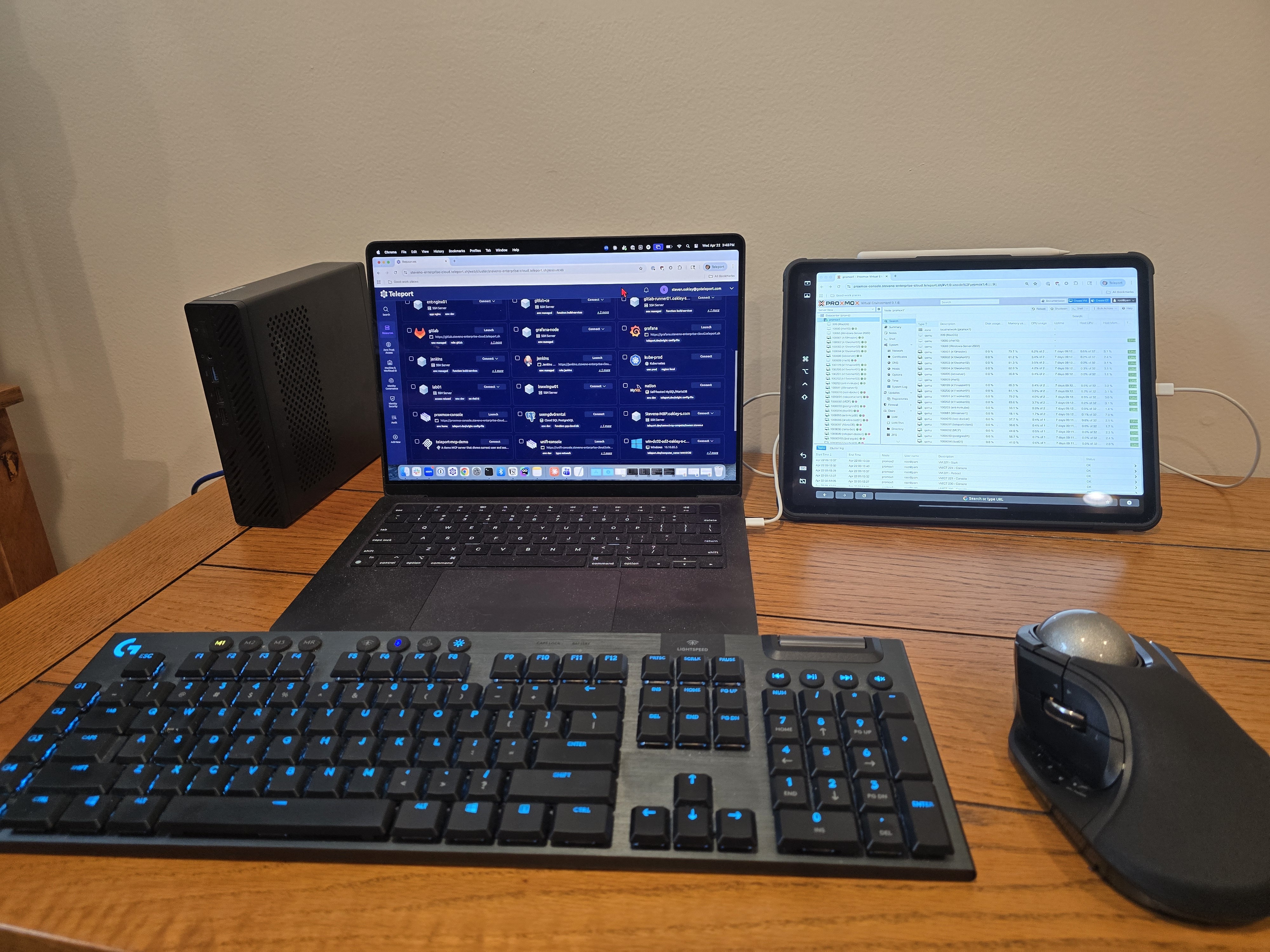
Claude enabled me to build a complete, production-style lab environment — Proxmox, Terraform, Ansible, Windows AD, and dual Teleport cluster integration — in a matter of hours rather than days. That's a genuine productivity win, and I wouldn't want to undersell it.
But the experience also made one thing very clear: AI is a force multiplier, not a replacement for engineering judgment.
Without consistent human review and course correction, I would have ended up with long-lived credentials, broken automation, deprecated processes, and a setup built on a misunderstood root cause. Treat Claude like a very capable colleague who occasionally misremembers the conversation, sometimes repeats a mistake they just made, and now and then gives you confident instructions that don't quite hold up in practice. Stay engaged, ask follow-up questions, and verify the things that matter.
When you work with it that way, the results are genuinely impressive.
About the author: Steven Oakley is an Enterprise Solutions Engineer at Teleport.
Related articles
→ How to Access Proxmox Virtual Environment with Teleport
→ Set Up Teleport Community Edition in 5 Minutes | Step by Step
→ 3 VNet Use Cases to Simplify Internal Access
→ Teleport VNet Demo: Access Private TCP Apps Without VPNs
Table Of Contents
Teleport Newsletter
Stay up-to-date with the newest Teleport releases by subscribing to our monthly updates.
Tags
Tags
Teleport Newsletter
Stay up-to-date with the newest Teleport releases by subscribing to our monthly updates.