Teleport for SaaS MCPs
A few months ago, my colleague Boris Kurktchiev wrote about the complicating factors of deploying MCP in the enterprise. If you haven’t read it… it’s okay. I won’t tell him.
The short version: Boris said MCP’s authorization story was still catching up. The core spec had no per-tool authorization, no audit standard and no gateway behavior, and most enterprise security features were planned as extensions, not core spec changes. Teams would build a great prototype with local MCP servers, but when they tried to move to production, they’d hit what Boris called “a brick wall of auth complexity.”
Our answer in that post was simple: don’t play the OAuth game at all. Register MCP servers as Teleport applications, give every person and agent a cryptographic identity, and enforce authorization and audit at the infrastructure layer.
That works because in that use case, you own the MCP server.
But what about the other side of the coin? The MCP servers Linear, Asana, GitHub and countless other SaaS vendors build as part of their offering. What do you do when the MCP server isn’t yours?
The next wave of MCP is SaaS
SaaS vendors have built their own public MCP servers to expose their app to AI tools and agents. As typical, apps are described as a set of tools that represent available actions (search tickets, create a task, update a record, etc.), in a standard format any MCP client can use.
The appeal is obvious:
- One standard across apps. The SaaS vendor builds it once, and any MCP-compatible agent can connect without custom integration code.
- Self-describing tools. The server publishes each tool with a description and required inputs, and agents choose which ones to call to finish a task.
- Maintained by the vendor. New and changed tools show up for every connected client, without customers or their agents having to rebuild their integration.
Simple and clean. But of course, simplicity often ends when deployment begins. From the client side, interacting with a single SaaS app MCP means:
- Tokens for everyone! The SaaS app issues each connection its own sign-in token. Those tokens end up stored on laptops and in agent environments, and some keep working for months, leaving you vulnerable to attacks.
- Unexpected inheritance. Agents are typically overprivileged for the task they need to complete, given the same privileges as the person they’re working on behalf of… Whether they need it or not.
- Permissions are coarse (and rough and get everywhere). Access can be limited only by what the vendor defines.
- Offboarding is a half-measure. Disabling someone in the identity provider stops new sign-ins, but tokens the app has already issued can keep working until the app itself cancels them.
- The burden of proof and audit are high. Finding out what an agent did means digging through every vendor’s logs, in that vendor’s format, if it’s logged at all.
Now we multiply that by every SaaS app in the enterprise, and we get: an overwhelming security nightmare, that also has no audit trail… I am pretty sure that’s how it maths out.
What changes when the vendor owns the MCP server
Teleport automates the hassle of OAuth within MCP, then layers on the policy-based control, short-lived access, and comprehensive audit you’d expect. Put simply, Teleport:
- Automates the OAuth sign-in for the user or agent.
- Proxies the MCP protocol between the client and the remote MCP server.
- Enforces policy governing who/what can use that connection.
- Limits which tools are shown, and what can be called.
- Minimizes risk with short-lived certificates, with approval requests as needed for riskier tool use.
- Logs every MCP request as an audit event, showing the person or agent, the tool called, its inputs, and whether it was allowed.
That’s the high level. Now let's zoom in on some points along the path, and discuss what MCP alone provides, and what changes with Teleport.
What Teleport adds on top of SaaS MCP OAuth
1. Every person and agent connects as themselves
MCP alone: MCP servers often rely on shared keys or long-lived tokens, so there’s no way to tell who made a request.
With Teleport: Agents operate as delegates on behalf of the people who start them, with short-lived certificates, and every MCP tool call is authorized against policy and recorded, whether the MCP server is yours or a SaaS vendor’s.
2. Tool-by-tool control MCP doesn’t provide
MCP alone: Permissions stop at whatever scopes the server’s author defined, often just “read” or “read and write.”
With Teleport: Admins allow or deny individual tools per role, by name, wildcard or pattern - and deny always wins. Search and view? Allowed. Delete? Never.
Tools a user or agent isn’t allowed to use never appear in the tool list, so an agent can’t call one, or be manipulated into calling one. It simply doesn’t even know the tool exists.
3. Short-lived, just-in-time access, no keys
MCP alone: Standing permissions stay active until someone remembers to remove them.
With Teleport: Short-lived MCP Access based using certificates that automatically expire, for people, workloads and agents alike. When an agent needs to use riskier tools, such as write or delete, Teleport access requests let agents request short-lived privileges for those tools, approved by a designated reviewer.
4. One audit trail of every MCP request
MCP alone: Activity records are scattered across each vendor’s app logs, if they exist at all.
With Teleport: Every MCP request through Teleport is captured in one consistent format, by default. Each record shows the person or agent, the tool called, the inputs sent and whether it was allowed or denied. Agent actions show both the agent and the person it was acting for. Access requests and approvals sit right alongside the activity.
When an auditor asks “what did this agent do last Tuesday, and who let it?”, you have the answer in minutes instead of days.
Where this is heading
MCP is improving fast. The spec has been through five versions in about 13 months. It's on each MCP provider to make updates, which means we can’t expect app-to-app consistency, nor that any app is built to the latest spec. Teleport simplifies and streamlines all the variations of MCP implementation. It makes it so you don't need to worry because auth, audit and access are consistently streamlined and managed for all MCPs in our unified identity layer for all actors.
Check out our MCP docs to see how to set up Teleport to provide secure access to MCP servers, to get the most from SaaS-provided MCP.
Want to try MCP for yourself? Try our hands-on MCP lab.
Related Articles
Phases: Git for container filesystems, or, what I built after leaving CNCF buildpacks.io
Buildpacks co-founder Stephen Levine introduces Phases for Beams: forkable filesystem snapshots, automatic dependency updates, and editable build pipelines.
Announcing beam-init - a Rust init process for agents
Introducing beam-init, a lightweight Rust init process and service manager for containers, microVMs, and agentic workflows.
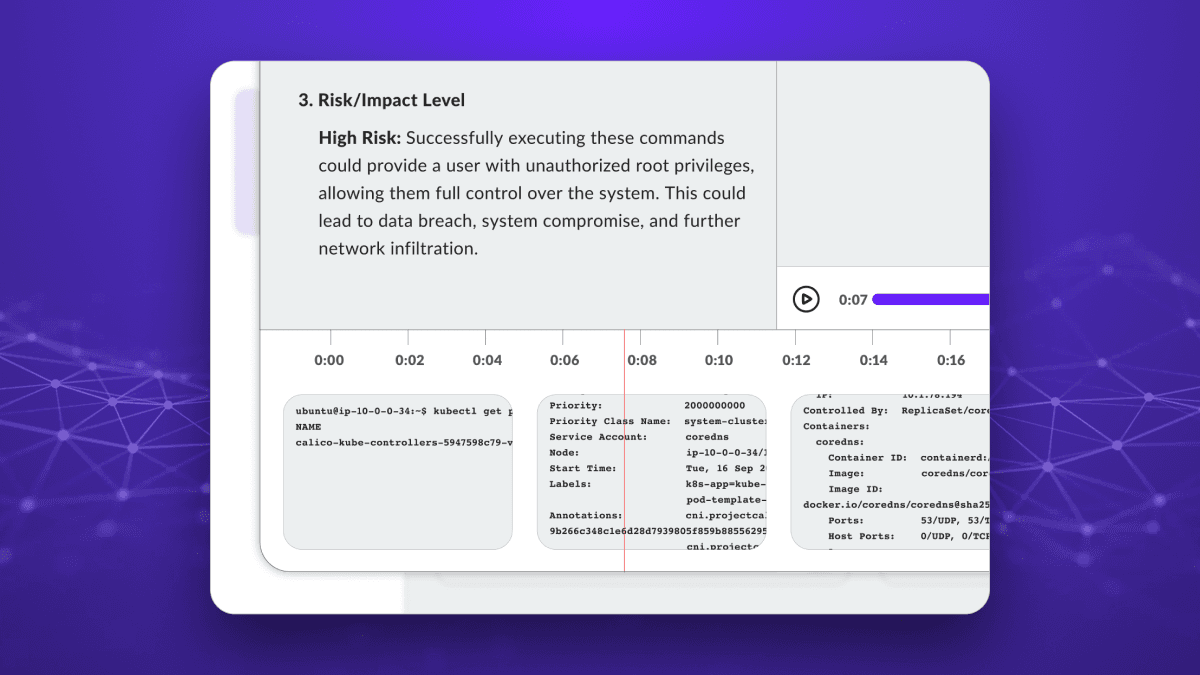
AI Session Recording Summaries for SSH, Kubernetes Exec, and Postgres
Teleport's AI-powered session summaries transform hours of recordings into readable digests, making security reviews and audits significantly more efficient.