How to Make Trading Infrastructure Audit-Ready Across SSH, Kubernetes, Databases, and RDP
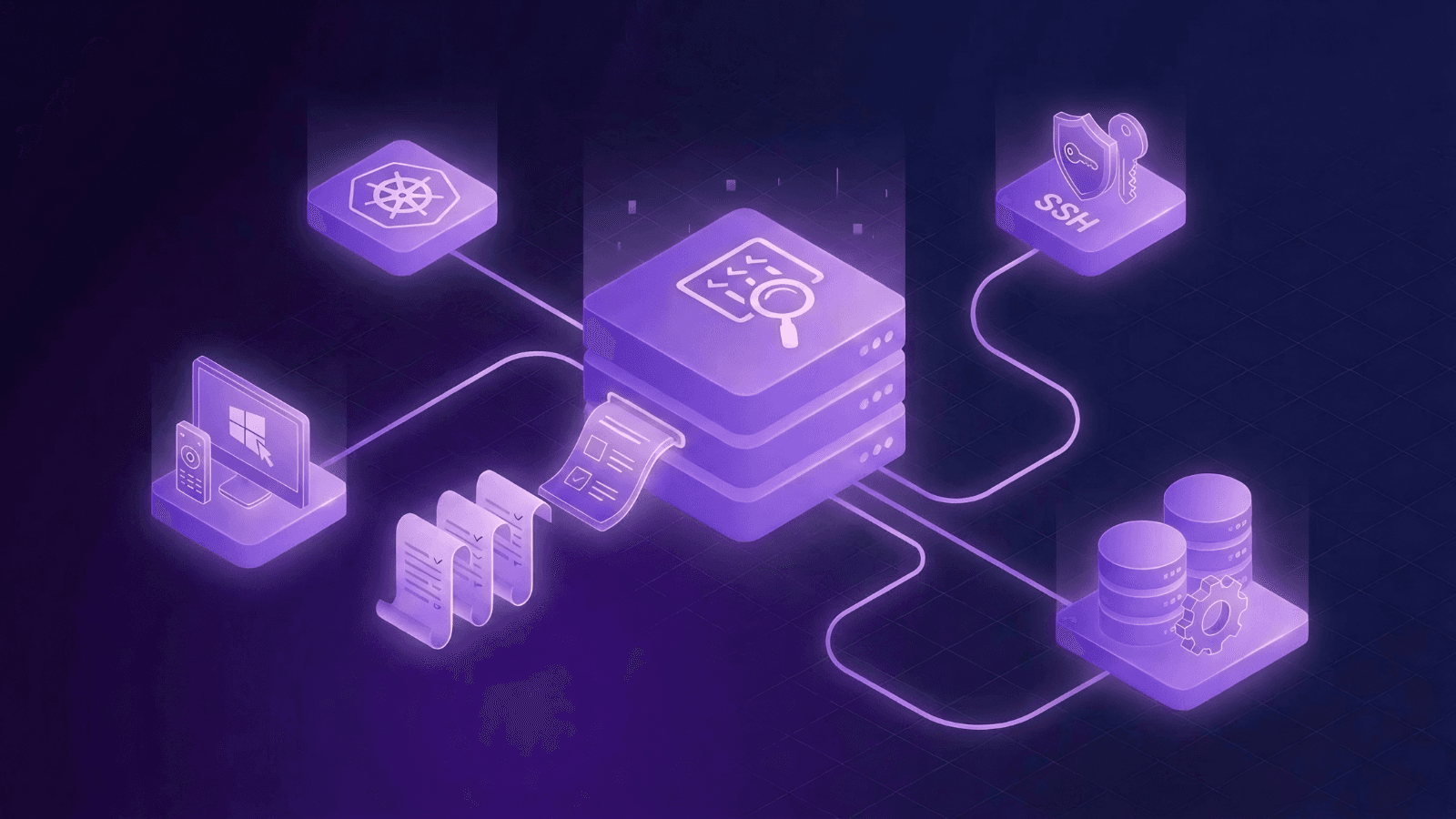
Regulators and auditors now demand immutable proof of every privileged action, attributed to an identity, across Secure Shell (SSH), Kubernetes, databases, and Remote Desktop Protocol (RDP).
For High-Frequency Trading (HFT) firms and quantitative funds, cryptocurrency and digital asset firms, exchanges and other similar organizations, that requirement lands on their infrastructure; bare-metal servers, Kubernetes clusters, production databases, and Windows workstations, all managed by teams who need to keep trading systems running and maintain regulatory compliance at the same time.
The challenge is that the tools managing identity, privileges, and session activity don't share a common audit trail. Evidence has to be pieced together from identity provider (IdP) logs, cloud audit trails like Amazon Web Services (AWS) CloudTrail, and bastion hosts; a process that can take weeks and still leave evidence gaps.
Read this article to learn:
- How SSH, Kubernetes, databases, and RDP create audit challenges
- What audit evidence trading infrastructure needs to produce
- Four capabilities every trading firm’s audit trails should include
- How to unify audit trails and identity attribution across protocols
Where audit gaps emerge in trading infrastructure
During Payment Card Industry Data Security Standard (PCI DSS) or ISO 27001 assessments, auditors will always ask pointed questions about and require evidence of identity attribution for sensitive actions. However, across a firm’s many systems, audit logs are often unable to tie specific actions to a specific identity.
These challenges appear across four systems that high-frequency and quantitative trading firms depend on the most: SSH, Kubernetes, databases, and RDP.
Bare-metal servers and SSH
SSH access to bare-metal servers has long been the bedrock of finance infrastructure, and particularly so for meeting the massive compute demands of high-frequency trading and quantitative trading operations. Firms may have servers sitting in exchange cages at venues across the world, like the New York Stock Exchange, the Chicago Mercantile Exchange, or the LD4 in London, running workloads like matching engines, strategy execution processes, or market data handlers. When a strategy misbehaves or a feed handler drops at any location, engineers need immediate SSH access to diagnose and fix the problem.
However, access to this hardware complicates audit logging. For one, these servers run outside the reach of modern cloud-native monitoring tools. A bare-metal box does not emit CloudTrail events; instead, its access logs live on the machine itself or the bastion host in front of it, creating monitoring and logging silos that must be bridged manually during audits. Many servers may also run on legacy operating systems that are incompatible with modern monitoring or logging tools.
SSH keys make these audit challenges worse, because by default, these keys:
- Carry standing privileges
- Do not expire
- Can be shared between multiple engineers
- Cannot be associated with a distinct identity
When an incident occurs and someone asks "who ran this command?" there is no answer because SSH keys are not tied to an individual identity. Instead, a server's auth log only records that a valid key was presented, with no indication of which person was behind it.
For example, a typical entry from /var/log/auth.log on a Linux production server may look like this: Accepted publickey for deploy from 10.2.14.88 port 52210 ssh2: RSA SHA256:3fG7...xQk
While this log entry indicates a key was accepted for the deploy account from a specific IP address, there is no proof that this session was initiated by a senior engineer and not an attacker.
Kubernetes
Kubernetes is central to HFT infrastructure as the platform of choice for running containerized workloads, such as trading services, market data processing pipelines, or orchestration layers that manage workload deployment across regions. Large quantitative trading firms may have anywhere from hundreds to thousands of deployed clusters.
However, Kubernetes also raises unique audit challenges. For one, its native role-based access controls (RBAC) and audit events do not automatically correlate with the identity that initiated the session. So while a kubectl exec command into a production pod will generate a Kubernetes API audit event, that event can only reference a service account or the credential stored in a shared kubeconfig rather than the exact human or machine identity behind the command.
Shared kubeconfigs may be common at firms where cluster access is managed centrally by platform teams. A single kubeconfig contains a user entry with a client certificate or token that Kubernetes uses for authentication, which means that any engineer who holds a copy also authenticates as the same identity. For example, if an engineer authenticates through a shared kubeconfig, the Kubernetes audit log records the credential, not the person. This means that pulling audit evidence requires correlating the Kubernetes API server log with the IdP authentication event and the access request workflow.
For example, a Kubernetes API server audit log entry for a kubectl exec session looks like this:
{
  "kind": "Event",
  "apiVersion": "audit.k8s.io/v1",
  "level": "RequestResponse",
  "verb": "create",
  "user": {
    "username": "system:serviceaccount:trading:deploy-bot",
    "groups": ["system:serviceaccounts", "system:authenticated"]
  },
  "objectRef": {
    "resource": "pods",
    "subresource": "exec",
    "namespace": "production",
    "name": "strategy-engine-7f8d4c-xk9pz"
  },
  "sourceIPs": ["10.4.22.101"],
  "requestReceivedTimestamp": "2026-03-14T14:32:08.442Z"
}
This entry tells you a few things:
- Who authenticated: The
deploy-botservice account in thetradingnamespace - What they did: Executed into a pod (
strategy-engine-7f8d4c-xk9pz) in theproductionnamespace - From where: IP
10.4.22.101 - When:
2026-03-14T14:32:08.442Z
However, it does not tell you which engineer or agent is responsible for initiating that exec session. If an assessor asks who accessed the strategy-engine pod during a specific incident window, the only honest answer is "someone with the shared credential,” which is unlikely to survive further scrutiny.
Databases
Databases at HFT and quantitative trading firms store order histories, position records, risk parameters, and client account data, which makes them subject to some of the most stringent audit requirements under PCI DSS, SOC 2, and EU regulations. When an auditor asks for evidence of who queried a production database containing cardholder data or modified a risk limit, the answer must tie each query to a specific identity.
Many firms also manage database credentials separately from other infrastructure. For example, in order to access a production PostgreSQL database, an engineer might first authenticate through an IdP to reach the network and then use a separate database username and password stored in a secrets manager. However, the database's own query log only records the database username, not the upstream human identity.
When multiple users share the same account, there is little audit evidence to work with. For example, if a shared readonly_prod account queries a sensitive database, the database log will only show that readonly_prod ran a SELECT * FROM orders WHERE client_id = 12345 but not the individual identity responsible. Many trading firms simply lack the tooling to audit database commands at the level many auditors require.
Remote Desktop Protocol (RDP)
Not every trading firm runs Windows infrastructure, but many do. Order management systems, risk platforms, and compliance dashboards often run on Windows and are accessed by operations and risk teams over RDP. These systems carry the same identity attribution problem as SSH and Kubernetes and are up against the same audit requirements.
Windows environments rely on Windows Event Logs and Active Directory group policies for access auditing, and by default, these record logon events and group membership but not what a user actually did during a session. For example, a Windows Security Event Log entry for an RDP logon looks like this:
Event ID:    4624
Logon Type:  10 (RemoteInteractive)
Account:     TRADINGDOMAIN\svc-riskplatform
Source IP:   10.8.41.55
Workstation: WS-RISKTERM-04
Logon Time:  2026-03-14T14:47:22.118Z
The event confirms that someone connected to WS-RISKTERM-04 using the svc-riskplatform account, but it says nothing about whether they opened a risk dashboard, ran PowerShell commands, exported client position data, or modified a configuration file. If svc-riskplatform is a shared service account used by multiple members of the risk operations team, the entry also cannot attribute the session to an individual person.
What auditors need to see in audit logs
1. A unified audit trail across protocols
Auditors don't evaluate systems in isolation. A PCI DSS auditor asking about a cardholder data environment will follow the evidence wherever it leads, including SSH sessions, Kubernetes pods, database queries, or RDP connections.
When each system produces logs in a different format with different schemas, retention policies, and identity references, your compliance team has to reconstruct the full story by hand, piecing together evidence from sources that were never designed to talk to each other. Teleport records every session across SSH, Kubernetes, databases, and RDP into one structured audit log that includes identity, privileges, and session activity tied together at the moment of connection, not reconstructed afterward. Instead of piecing together evidence from three systems, compliance teams query one.
For example, if an engineer:
- SSHs into a colocated server to restart a strategy process
- Runs
kubectl execto check the health of a dependent microservice - Queries a PostgreSQL database to verify that order records reconcile
All three sessions appear in the same audit log, are attributed to the same identity, have consistent metadata, and can be handed off to an auditor in a single evidence export instead of a folder of spreadsheets.
2. Identity attribution
When an investigation or audit request comes down to "who did this?", the evidence an auditor is looking for is a specific person or machine identity. A shared credential or account will only raise more questions.
Teleport issues a short-lived X.509 certificate per session, granting short-lived privileges limited to what that identity is authorized to do. The certificate expires when the session ends. Every downstream action is attributed to that specific person or machine without manually piecing together a separate IdP log to figure out who risk_db_user was.
If an engineer requests just-in-time (JIT) access to a production risk database during a market event, the audit log records which engineer initiated the session, which IdP authenticated them, which privileges were issued, and when the certificate expired. Six months later, when the internal security team pulls the record for an audit, the identity chain is intact from authentication through session termination. Nobody needs to cross-reference a separate IdP log to figure out who risk_db_user was that day.
3. Full session recording, down to the command
Knowing a session occurred tells an auditor nothing about what happened during it. A log entry that says "SSH session opened at 14:32, closed at 14:47" doesn't answer whether anyone ran privileged commands, modified system files, or executed sudo. The same is true for Kubernetes; a kubectl exec event records that someone entered a pod, not what they did inside it.
Teleport captures every command run in an SSH session as its own structured audit event. For Kubernetes, every kubectl command is logged with the pod, namespace, and timestamp. For databases, every query is captured. Sessions are replayable through the web interface and searchable by identity, command, or time range so an auditor or incident responder can watch a session from start to finish or filter directly to the commands that matter. For firms with large session volumes, AI-generated session timelines classify commands by risk and map them to the MITRE ATT&CK framework, reducing review time and surfacing sessions that warrant human attention.
If an engineer SSHs into a colocated server and modifies the configuration file for an order gateway, the audit trail records that they ran vim /etc/gateway/config.yaml, changed the max_order_rate parameter, and restarted the service enough detail to reconstruct exactly what changed and who changed it. If a security team suspects unauthorized database activity, they can search for all sessions that touched a specific database during a given window, filter to sessions that executed DROP or ALTER commands, and replay the relevant ones, all within the same interface.
4. Exportable audit logs to any SIEM or detection platform
Satisfying an auditor’s evidence request is one function of an audit log.
For security engineering teams at trading firms, it’s also the data source for detection platforms that correlate events, run anomaly detection rules, and trigger alerts when patterns match known attack behaviors. Those detection platforms live in Security Information and Event Management (SIEM) tools like Splunk or Datadog, and if audit logs cannot be exported to the SIEM in a structured format, the detection platform has no data to work with.
Teleport supports multiple simultaneous export targets, and accepts an array of backends so firms can store audit events in DynamoDB for native search and replay while simultaneously forwarding them via fluentd to Splunk, Datadog, or an ELK (Elasticsearch, Logstash, Kibana) stack for automated alerting and long-term retention. Firms that require session recordings and audit logs to remain within their own infrastructure can run Teleport fully self-hosted within a private Virtual Private Cloud (VPC) or data center, including air-gapped environments with no SaaS dependency.
How trading infrastructure should produce audit evidence
Addressing audit challenges one system at a time creates a different version of the same problem. Your team is still responsible for correlating it manually.
For HFT and quantitative trading firms, the path forward is to stop treating audit evidence as a reporting problem and start treating it as an infrastructure problem. When infrastructure produces the evidence natively, audit preparation that was once a weeks-long scramble becomes a simple query.
Learn how Teleport unifies identity and audit trails across high-frequency trading, exchange, and financial services infrastructure.
Case study: How Exness attributes identity across hundreds of clusters
Read this case study to learn how Exness, one of the world’s largest trading firms, uses Teleport to attribute every privileged session to a cryptographic identity across hundreds of Kubernetes clusters, databases, and servers, replacing fragmented logs with a single audit trail.

Gus Luxton
Gus is originally from the UK and currently lives in Canada. Formerly a Production Engineer at Facebook and now a Principal Solutions Engineer at Teleport, Gus helps developers securely access their infrastructure, as well as deliver cloud-native applications to restricted and regulated environments. When he’s not working, Gus enjoys PC gaming, great food and craft beer.
Table Of Contents
Teleport Newsletter
Stay up-to-date with the newest Teleport releases by subscribing to our monthly updates.
Tags
Tags
Teleport Newsletter
Stay up-to-date with the newest Teleport releases by subscribing to our monthly updates.
Related Articles
How to Eliminate Static Credentials from Trading Infrastructure
Learn why static credentials like SSH keys are dangerous in trading and financial infrastructure, alongside strategies for mitigating their risk.

Multi-Site Data Center Audit and Compliance Best Practices
Discover seven best practices for unified audit visibility and compliance across multi-site data centers.

Guide: How to Unify Identity Across Cloud and Data Center Infrastructure
Inside this guide, discover the root causes of identity fragmentation across cloud and data center environments — and what it takes to unify identity.